Unlocking
- 1Carry the smart key with you.
- 2Touch the sensing area of the hidden door handle.
- 3The handle extends automatically, the indicators flash twice and the door unlocks.
Locking
- 1Carry the smart key with you.
- 2Touch the lock sensing area of the door handle.
- 3The handle retracts automatically, the indicators flash once and the door locks.
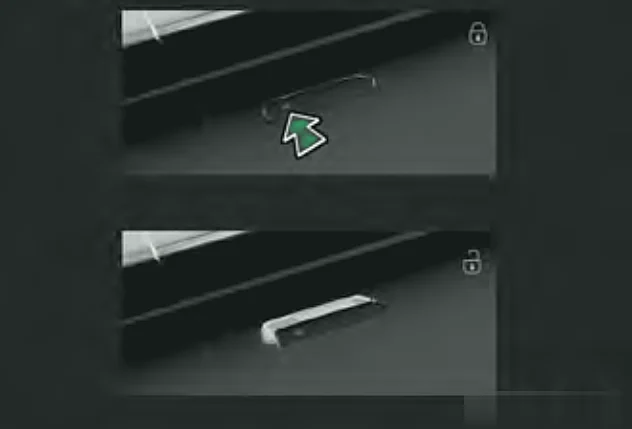
Warning:Before the hidden door handle retracts, make sure no one's fingers or other body parts are where they could be pinched.
Good to know
- Approach (welcome) unlocking is switched on in the Audio System under Quick Control, with the car's power in ON mode.
- If the car stays locked for 3 days, touch locking/unlocking switches off. Starting the car brings it back.
- If the head unit is set to independent driver door unlocking, only the driver's handle extends when the car is unlocked.
- Keep the key away from computers, wireless mice and phones, as they can affect the lock/unlock sensor.
Walk-away locking
- It only works with power OFF, all doors and the boot door fully closed, and the key not left in the car.
- It will not activate if the key is left inside, or if there is no key within about 2.5 m of the car after you close the doors.
- If you are more than 2.5 m away and the indicators did not flash and the horn did not sound, check that the car is actually locked.
- If the key stays near the car, it locks automatically after more than 3 minutes. If the key is still there for another 3 minutes, sensing switches off to save power. Open and close any door or the boot door to turn it back on.