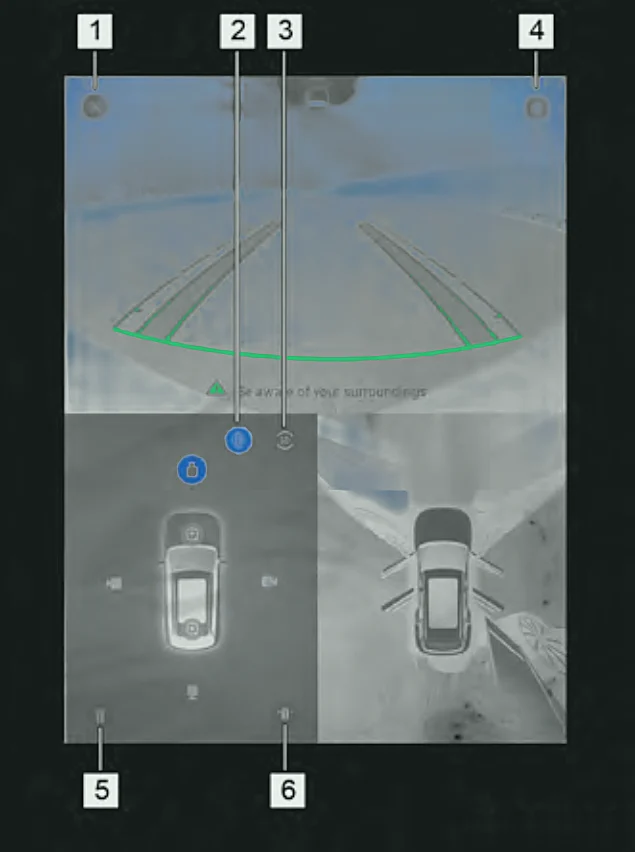
- Close - exits the camera screen (not available while in R).
- 2D view - shows the front, rear, left or right camera on its own, or alongside the bird's-eye view.
- 3D view - tap the angle buttons around the bird's-eye car image for a 3D view from that angle. Swipe to rotate the 3D view to any angle.
- Settings - opens the settings menu.
- Wide-angle view - corrects distortion on the front or rear camera and joins them into a wide view.
- Wheel side view - shows the view beside the wheels, on its own or with the bird's-eye view.
Note:The images on your car may look slightly different. Practise using the system in an open, quiet area before you rely on it.